
Google Play Store
Google Play Store is Google's digital distribution platform for Android, used to find, install and update apps, games and books.
101.1 MB

9.13.14.5 · SwiftKey · Page updated
SwiftKey Keyboard is a free Android keyboard that learns your writing style to predict words, supports swipe typing and lets you type in several languages without switching.
Average 0.0 · ratings: 0
Thank you! Your rating is saved; you can change it. Could not save the rating. Please try again later. Too many ratings from your network today. Please try again tomorrow. The average appears after 5 ratings.
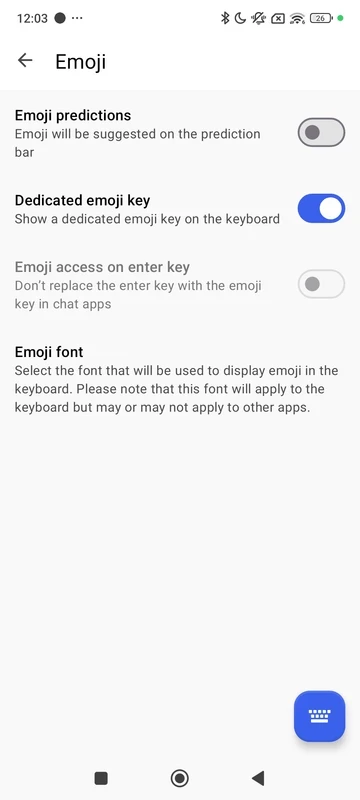
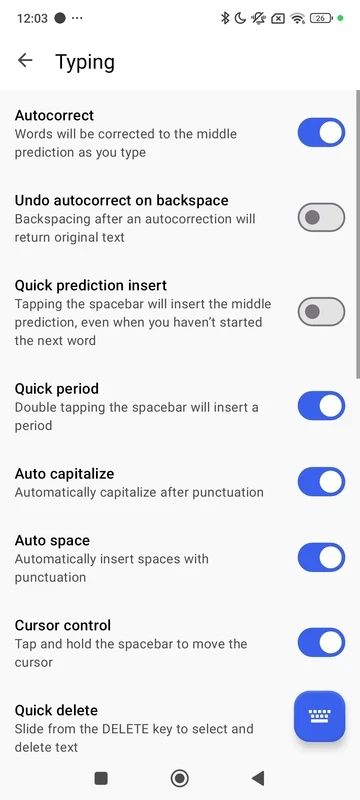
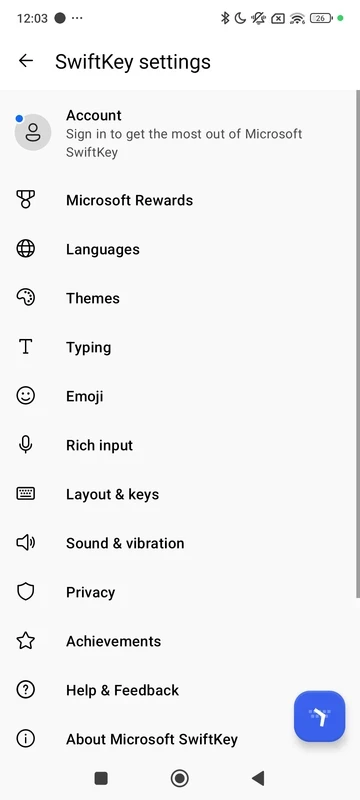
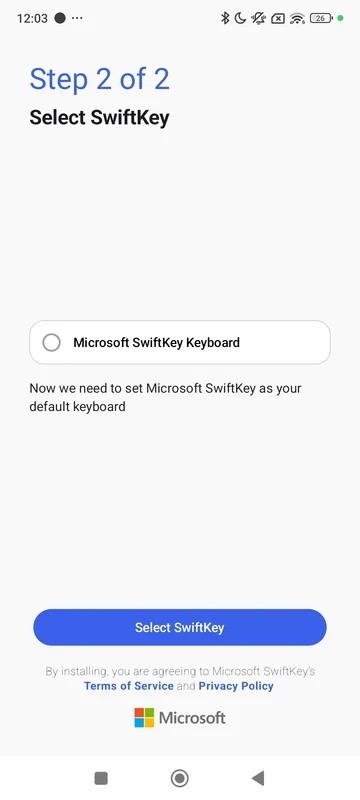
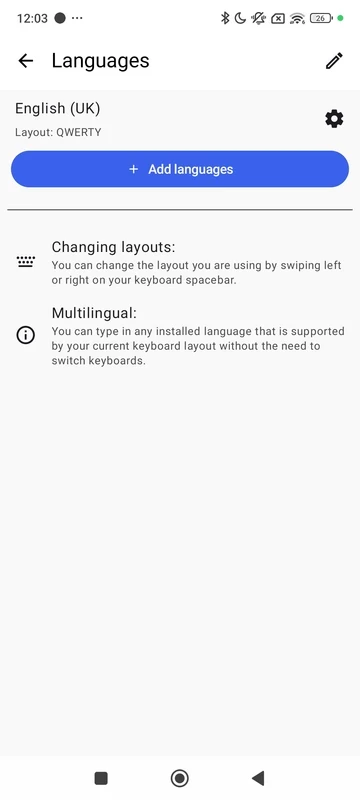
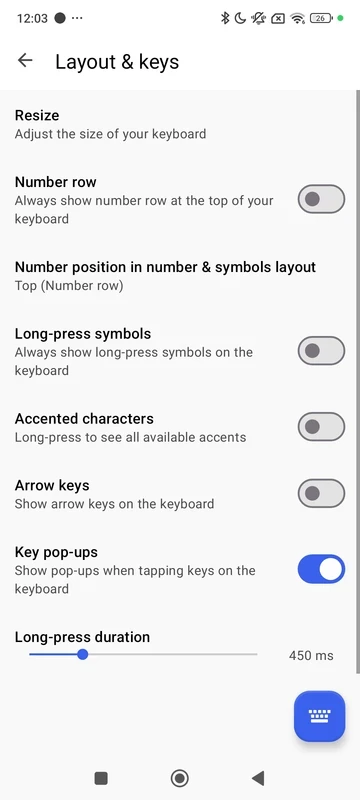
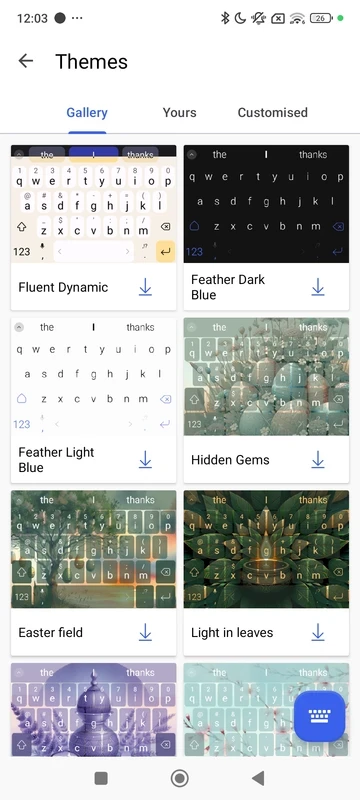
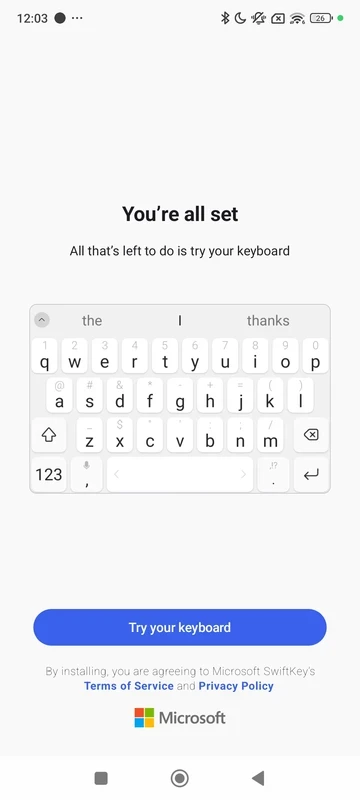
SwiftKey Keyboard 9.13.14.5 is a free replacement keyboard for Android that predicts the next word, corrects typos and lets you type by swiping across the letters. You download SwiftKey for Android when the stock keyboard on your phone feels slow or keeps getting words wrong.
SwiftKey's core idea is prediction. As you type, the keyboard shows suggestions above the letters, and over time it learns the words, names and phrases you actually use, so the suggestions become more personal. Autocorrection works with the same model, which means fewer fixes for slang or names it has already seen you write. You can also slide your finger from letter to letter instead of tapping, and the keyboard turns the gesture into a word. A strong point for multilingual users is that several languages can be active at once: you can switch mid-sentence between, say, English and Spanish, and SwiftKey recognises both without you touching a language button. On top of that there are emoji and GIF search, a clipboard with saved snippets, a number row, one-handed and floating layouts and a large gallery of themes, including the option to use your own photo as a background.
If you never type long messages and the default keyboard already works well, installing another keyboard adds little. People who want a keyboard that learns nothing from their typing may choose a simpler option.
The package is about 229.25 MB according to catalogue data. Help and contact options are on the official SwiftKey support page.
Every keyboard sees everything you type, including passwords and messages, so install SwiftKey only from the official store and not as an APK from unknown sites. Personalisation and cloud backup are optional; you can keep learning on the device only. Android warns you when you enable a third-party keyboard, and that warning applies to any such app.
SwiftKey is free, including themes and languages.
If you need a translator alongside the keyboard, Google Translate is also on our site. For managing apps and updates on Android, see Google Play Store and Aurora Store.
Google Play Store is Google's digital distribution platform for Android, used to find, install and update apps, games and books.

APKPure is a third-party app marketplace for Android that installs apps from APK files outside Google Play. This page covers version 3.20.7803.

Aptoide is an open-source alternative app store for Android, running since 2009. This page covers version 9.22.5.3.

QuickShortcutMaker is a small Android tool for creating home screen shortcuts to specific screens of installed apps, including hidden settings.